Mellow
Project Overview
This project was created as part of the Introduction to Design course. The assignment required each student to design a product individually by defining its purpose, building a visual identity, and developing a complete user interface.
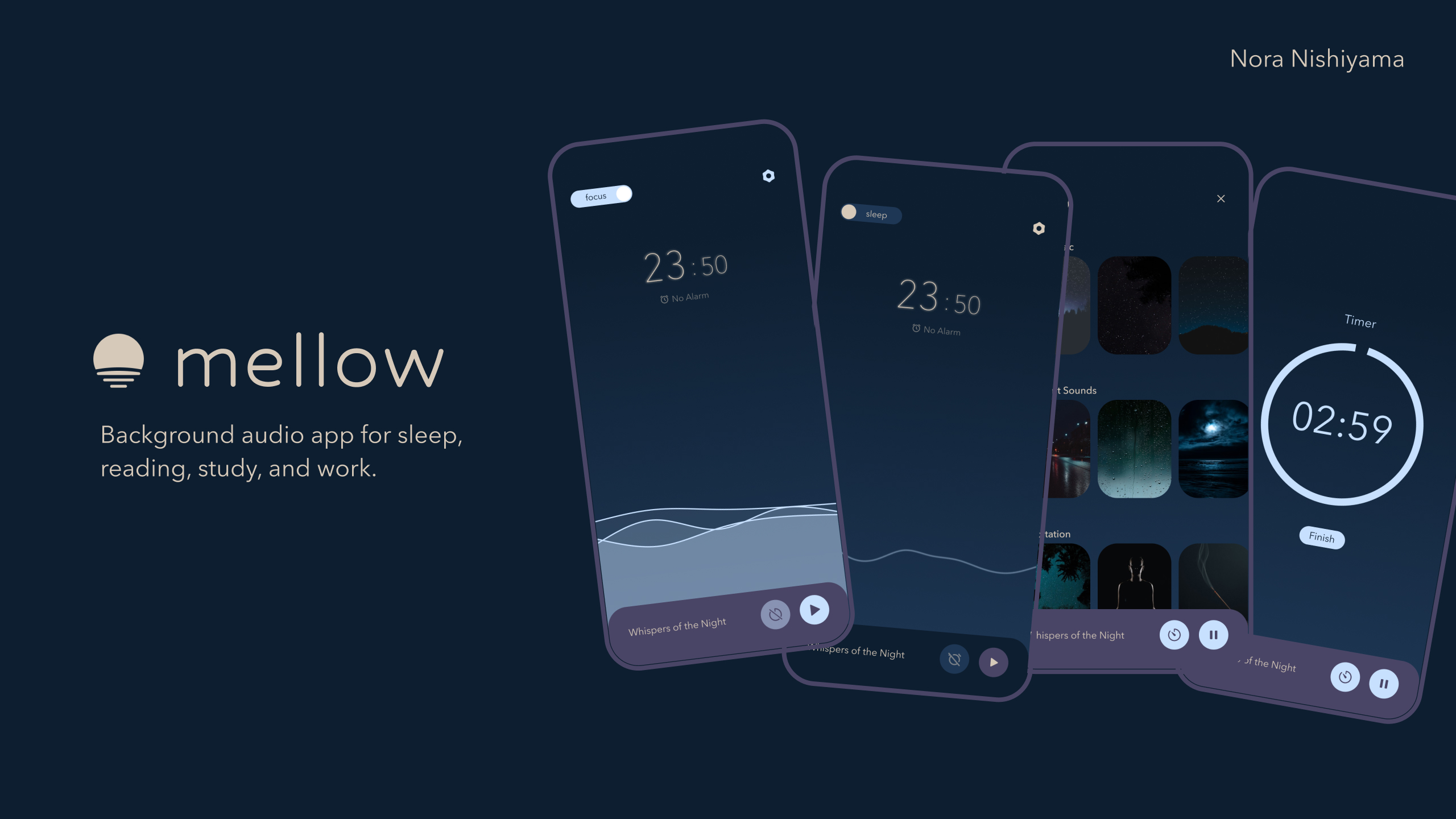
I designed Mellow, a background audio app that helps users relax, focus, or fall asleep by providing calming ambient sounds and music. The app includes two distinct modes, called Sleep Mode and Focus Mode, to support different user needs.
Role
UI/UX Designer
Collaborators
Solo work
Project Duration
3 weeks
Challenge
Many people struggle to focus or fall asleep due to distractions, noise, or stress. In a fast-paced environment, it can be difficult to create a peaceful atmosphere for rest or concentration.
Solution
The solution was to design a mobile app that offers calming background audio to help users concentrate or relax. The app provides two experiences, one for sleeping and one for focusing, each with specific features and a unique visual style.
Sleep Mode supports bedtime routines with an alarm and darker color themes, while Focus Mode includes tools like a timer and stopwatch along with brighter, energizing colors.
Approach
STEP1: Discover
Since this was a classroom project, I did not conduct formal user interviews. Instead, I explored existing background audio apps such as Headspace, Tide, and Endel. By reviewing their features, structure, and visual styles, I was able to identify common patterns and user needs. I also considered everyday situations where people seek calm, such as reading, studying, or falling asleep.
STEP2: Define
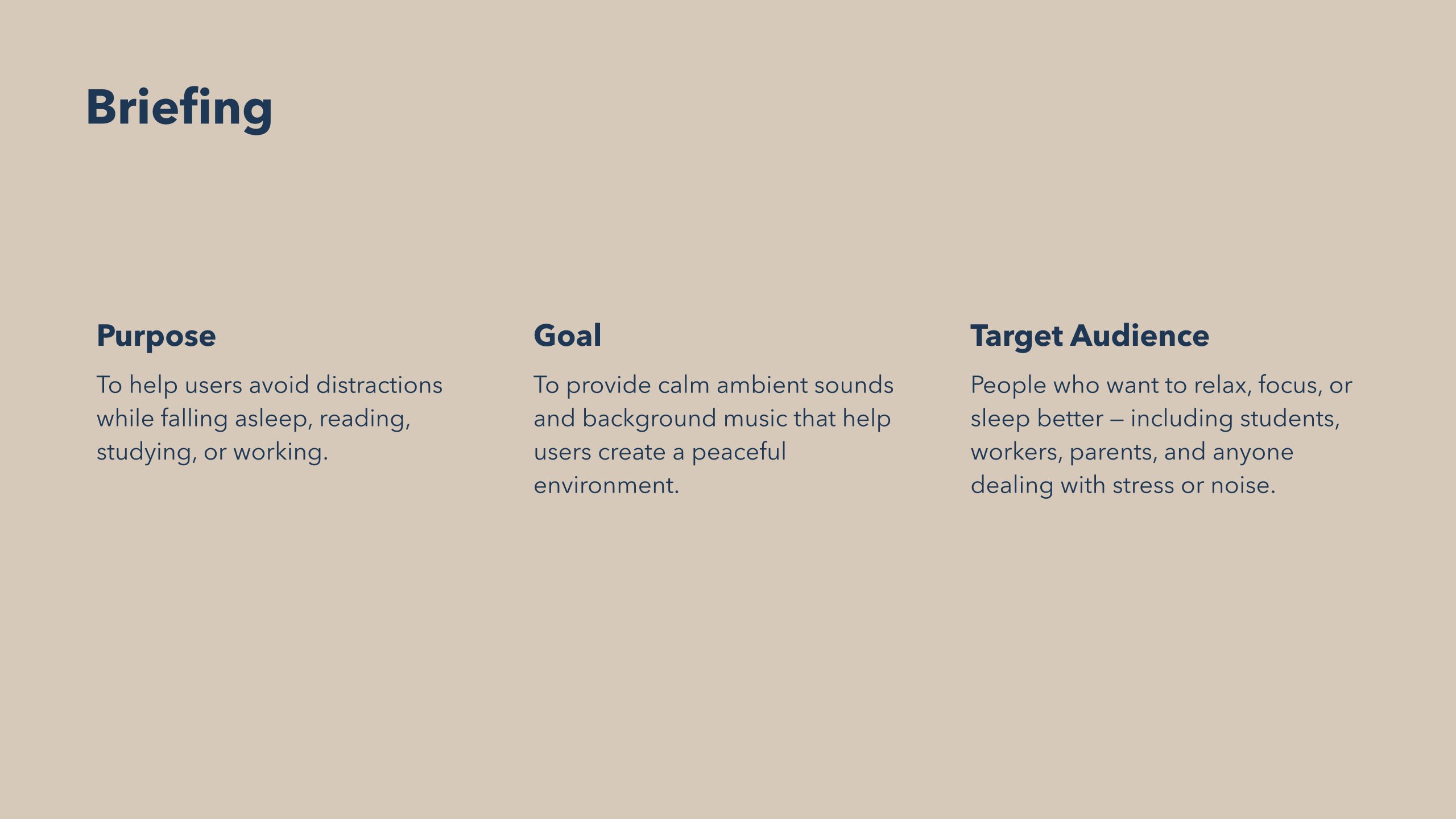
Based on this research, I defined the core structure of the app. Mellow is designed for people who want to relax, focus, or sleep better. This includes students, remote workers, parents, and anyone who deals with stress or noisy environments. I planned two main experiences within the app: Sleep Mode and Focus Mode. I also identified key features such as an audio library, a sleep alarm, and a focus timer.
STEP3: Develop
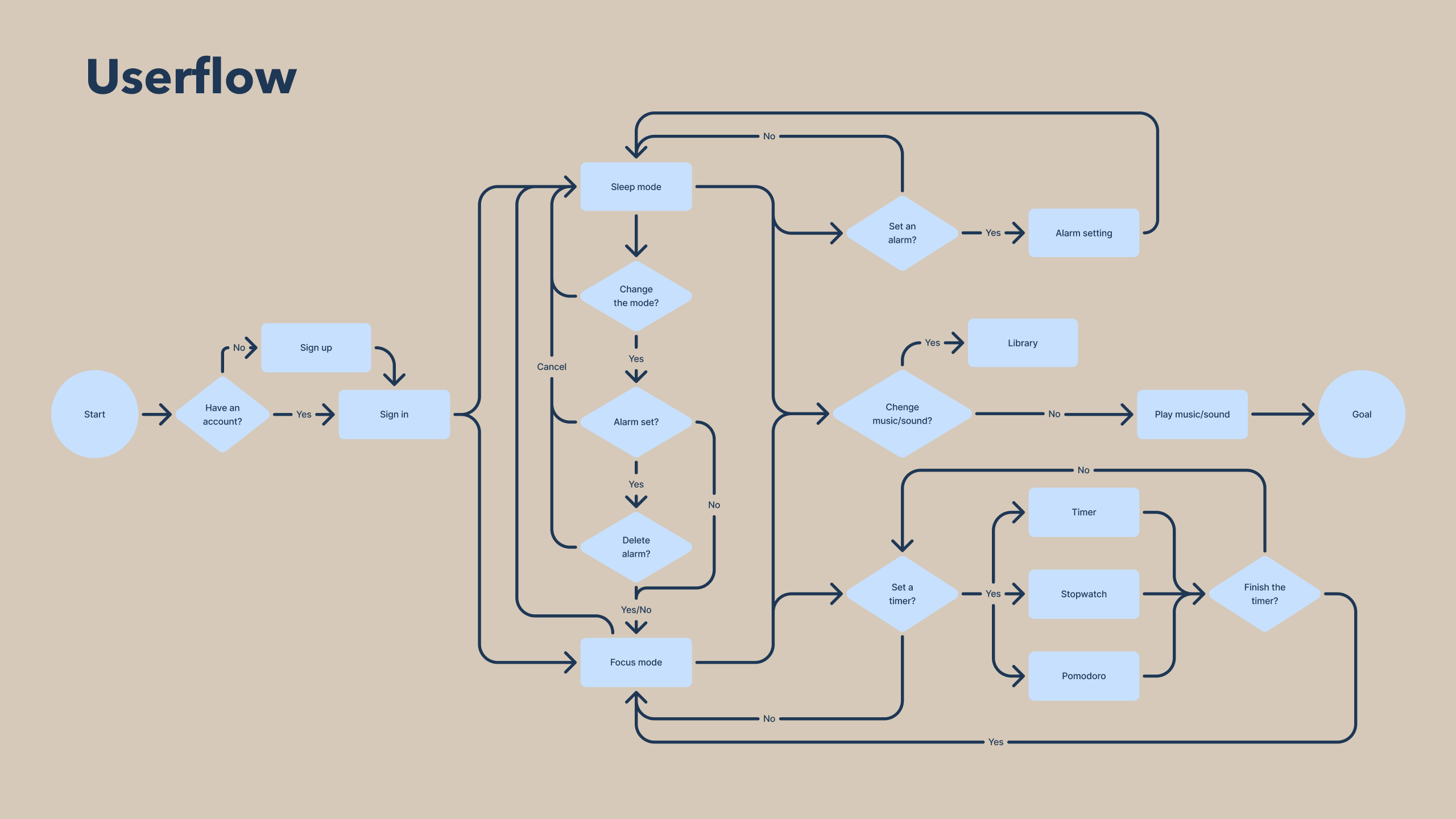
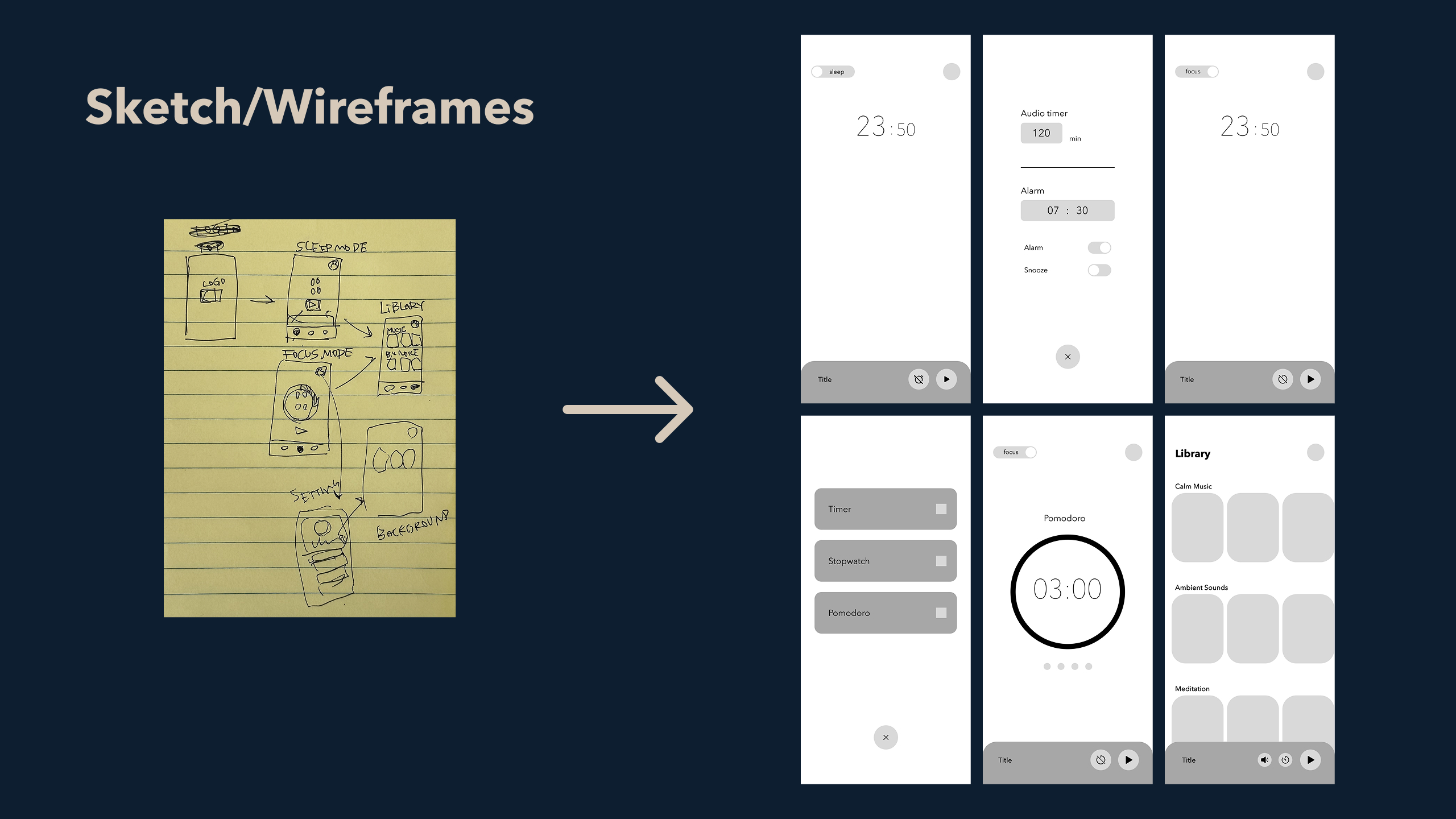
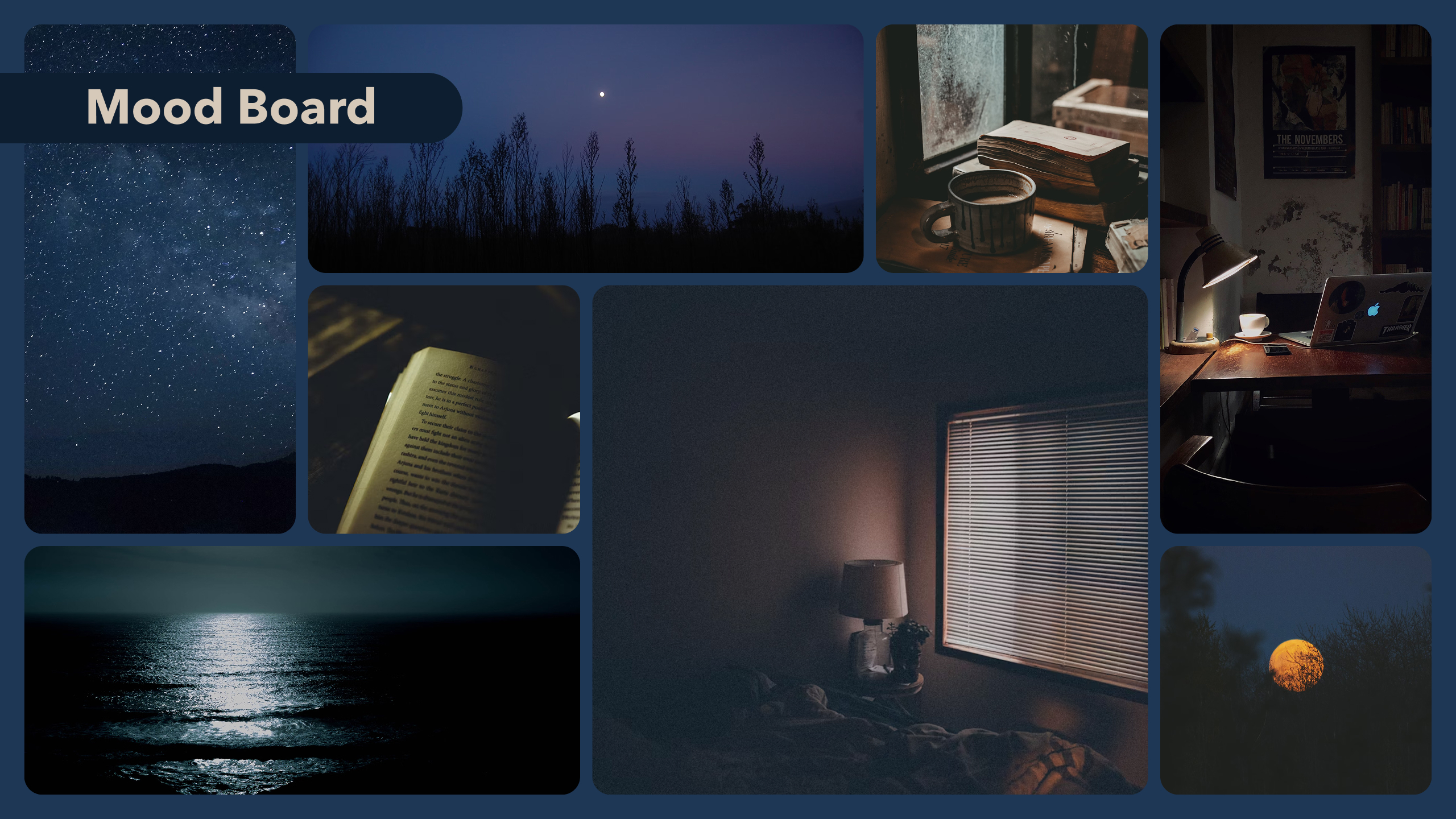
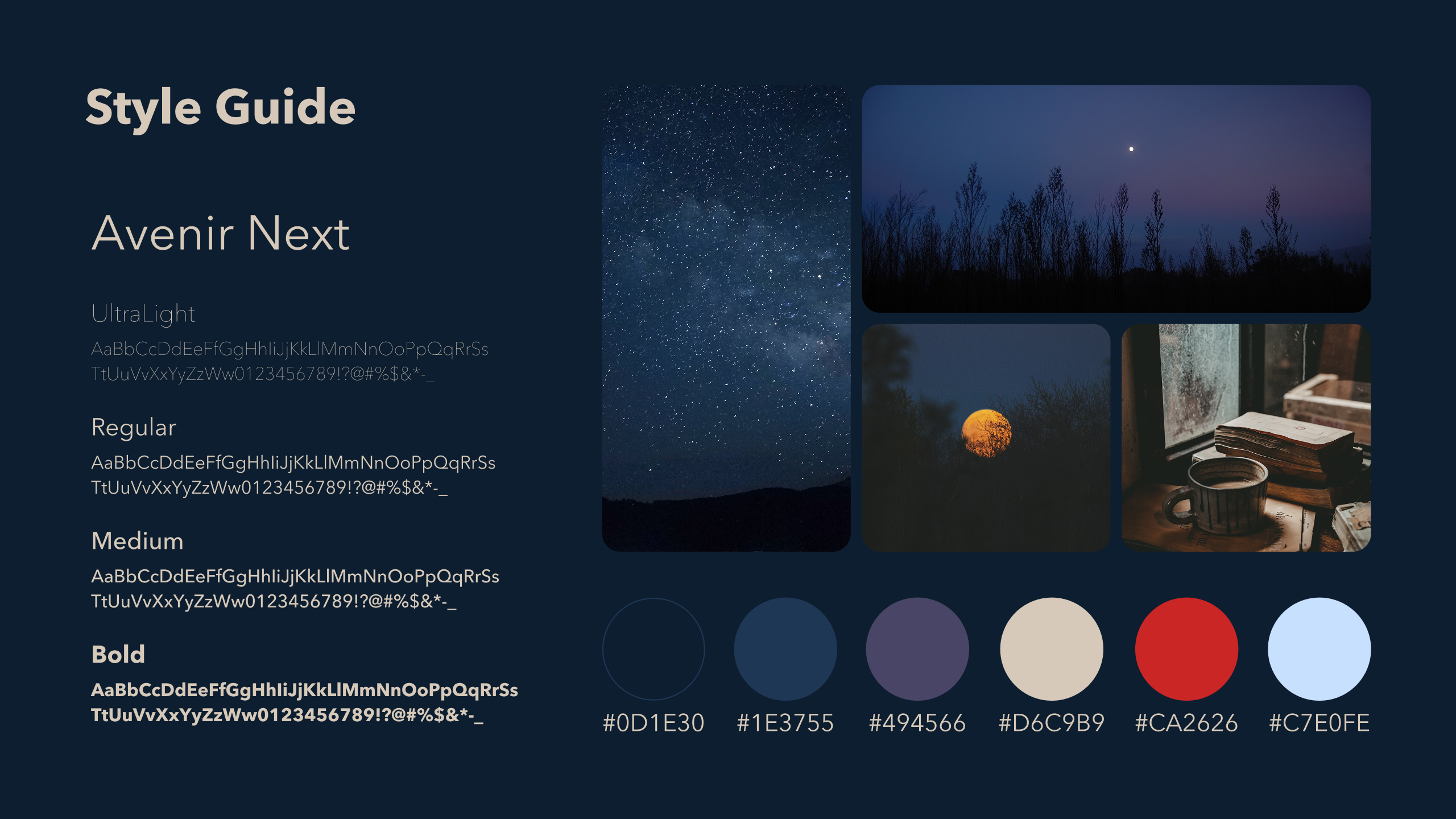
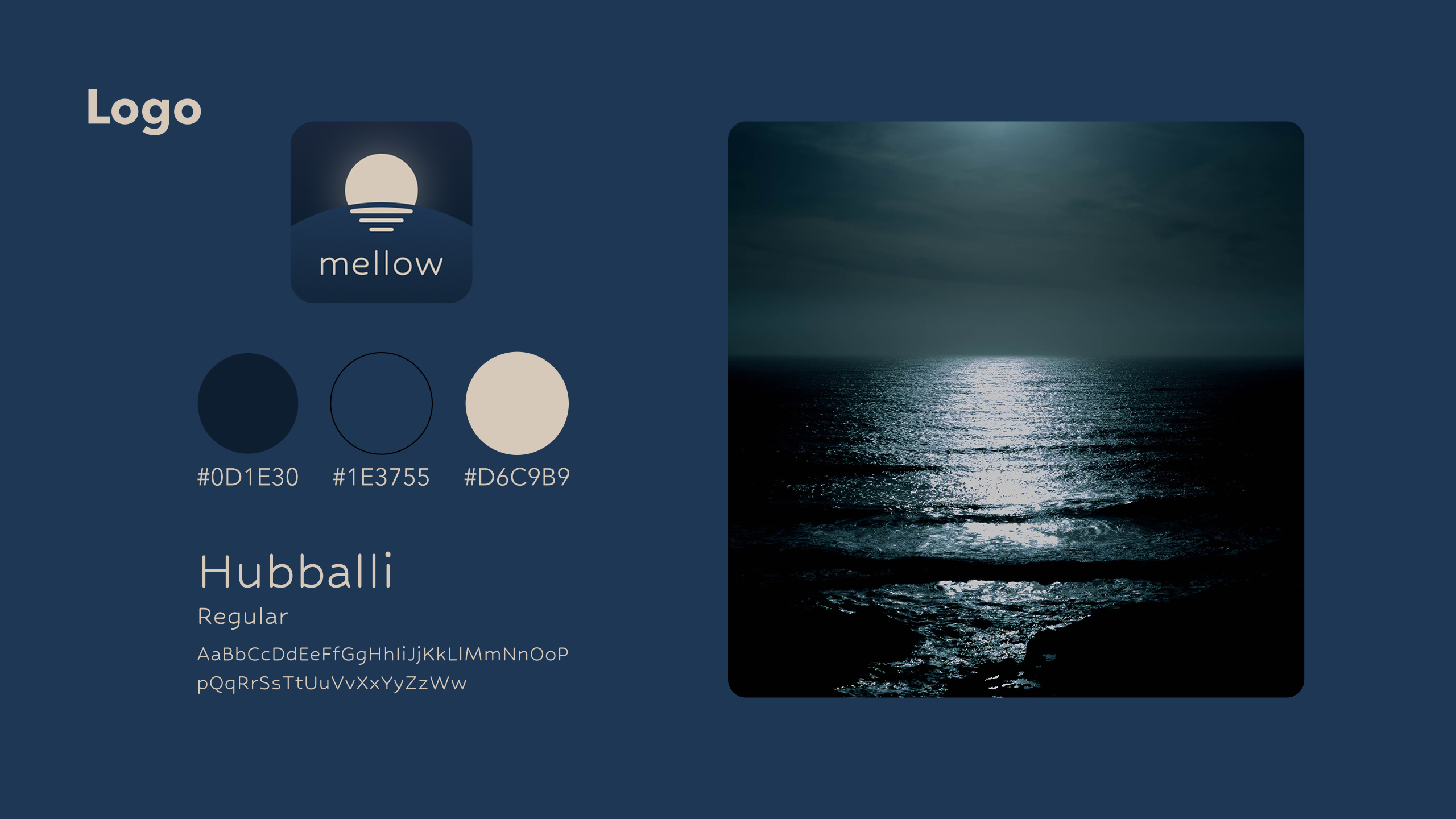
I began the design process with hand-drawn sketches to explore layout ideas. After that, I created wireframes in Figma to define the user flow and screen structure. To shape the visual identity, I made a mood board featuring night skies, quiet workspaces, and peaceful imagery. I selected Avenir Next as the main typeface because it feels modern and easy to read. I also designed a logo inspired by the reflection of moonlight on the sea and chose colors from my mood board to maintain a calm, consistent tone.
STEP4: Deliver
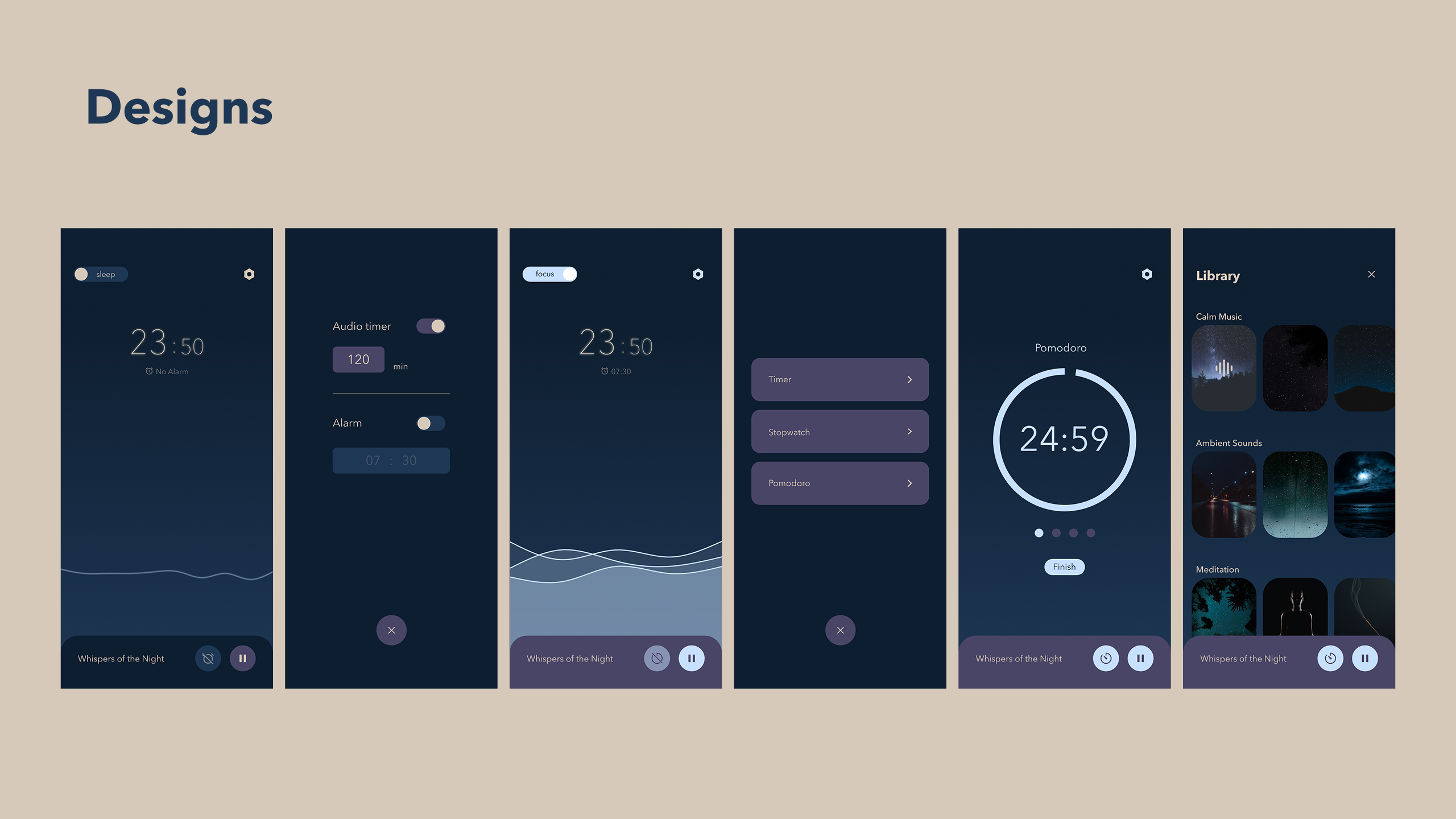
In the final stage, I created high-fidelity mockups in Figma. I kept the design minimal and user-friendly to reduce distractions and make the app feel peaceful.
Sleep Mode uses darker tones to create a sense of rest, while Focus Mode uses lighter tones to support alertness and productivity. Each mode has its own tools and appearance, but both are tied together by a consistent visual language.
At the end of the course, I presented the project in front of my classmates and instructor. Based on the feedback I received, I’m planning to continue improving the design and refining the app to make it more effective and user-friendly.
Outcome
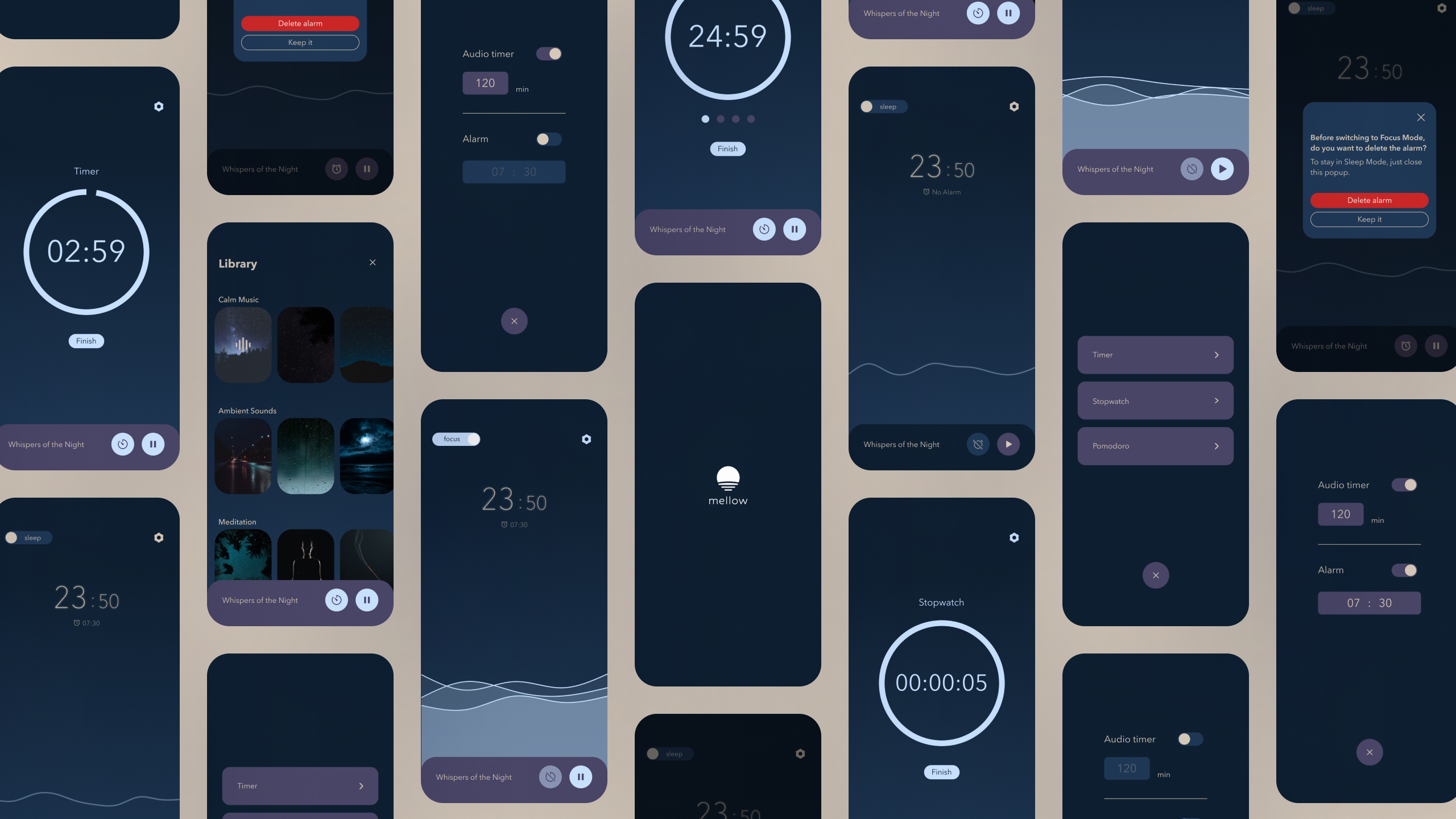
The final design is a clean, minimal interface that allows users to switch between Sleep Mode and Focus Mode depending on their goal.
Sleep Mode features soft, dark visuals to promote calmness and support sleep. Focus Mode uses lighter, more active colors to help users stay alert. The app includes a curated sound library that can be used in both modes, helping users reduce distractions and create the right environment for their tasks.
Takeaways
This was my first experience designing a complete app independently, from concept to final mockups. Through this project, I learned how to define a product's purpose, build a cohesive visual identity, and structure a full user interface. Exploring existing apps also helped me identify common UX patterns and apply them thoughtfully to my own design.